Your Year in Books: Track and Share Every Book You Read

Every book you finished this year is already sitting on your shelf. Mark it read, and TroveScore turns the year into one card you can keep, share, or post — covers and all.

One year, five ways to show it

Same books, same year. Pick the look that suits your shelf.
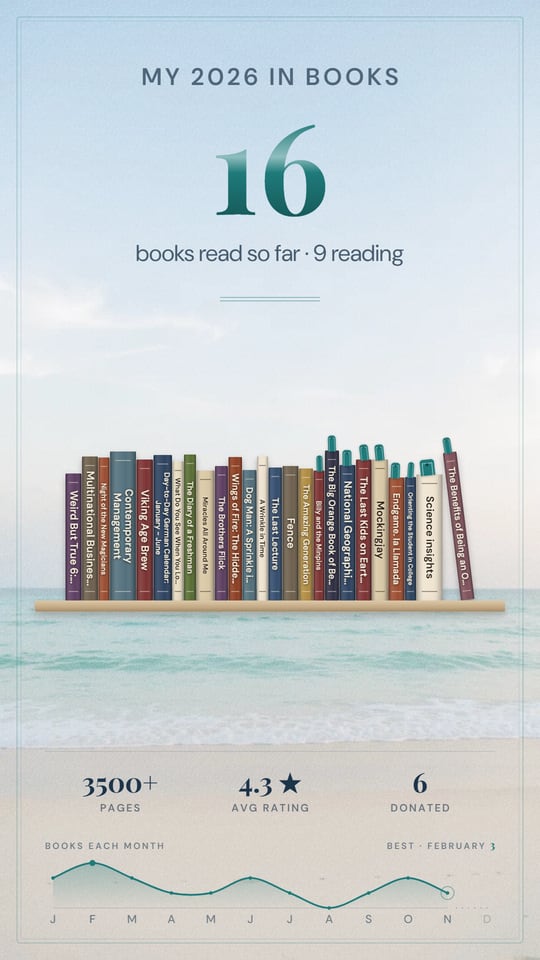
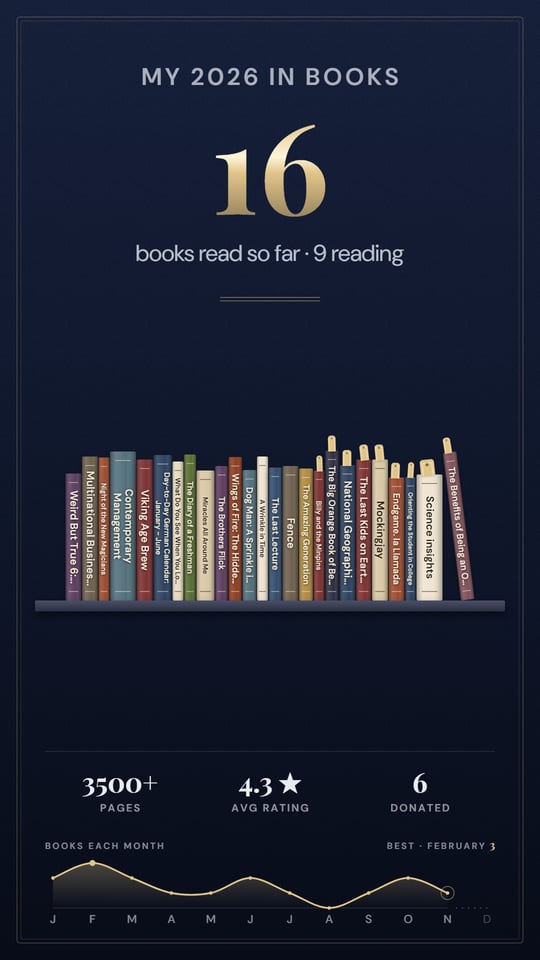
A Year in Books card with the year's books as standing spines on a shelf, over the Seaside scene
Spines, standing FreeSeaside scene
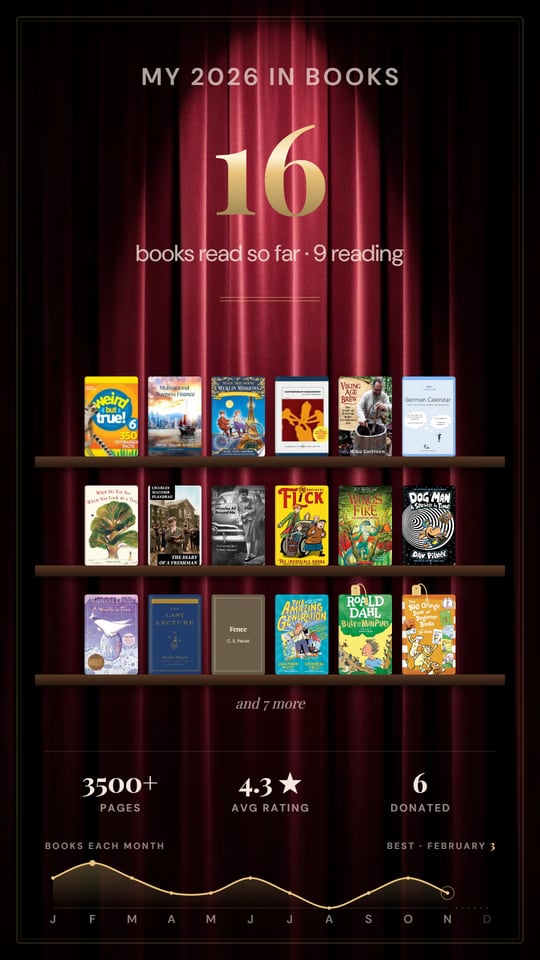
A Year in Books card with book covers standing on shelves, over the Curtain Call scene
Covers on shelves FreeCurtain Call scene
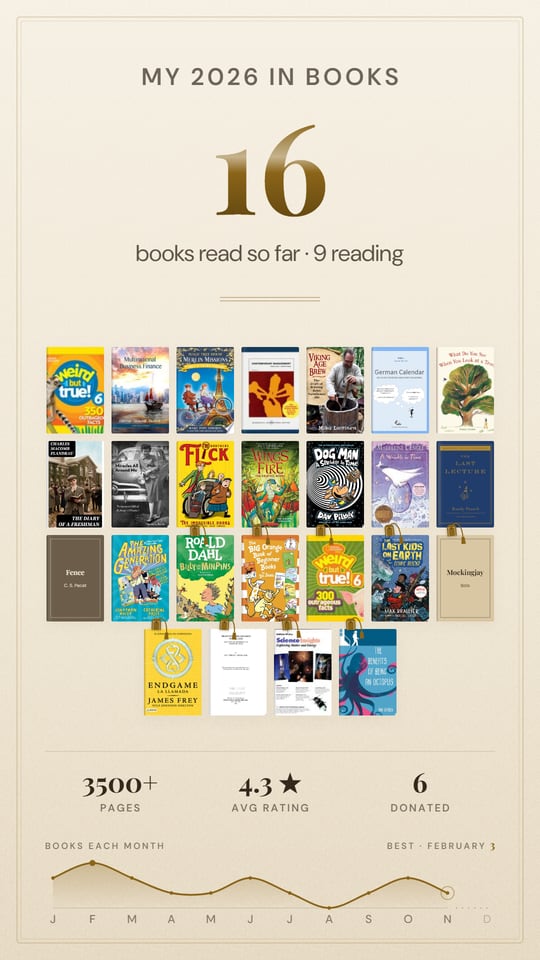
A Year in Books card showing full book covers in a grid, in the Parchment theme, with a monthly trendline
Full covers FreeParchment, with trendline
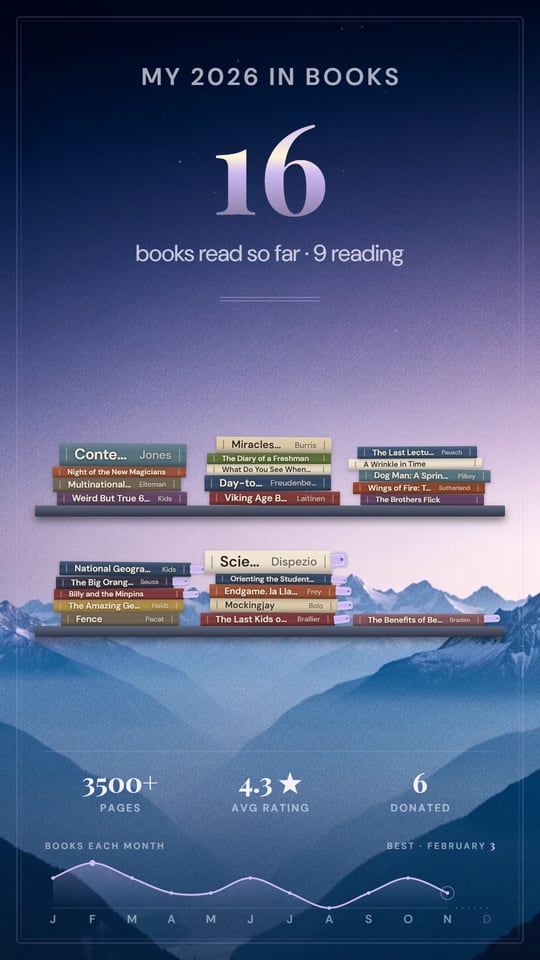
A Year in Books card with the year's books as stacked spines, over the Alpenglow scene, with a gold finish
Spines, stacked PatronAlpenglow scene
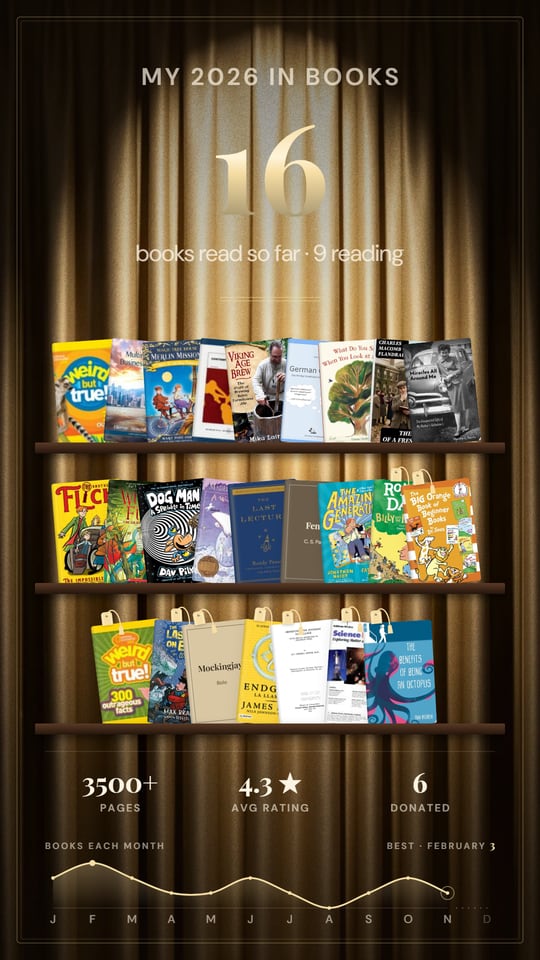
A Year in Books card with tilted book covers over the Gilded Stage scene, with a gold finish
Tilted covers PatronGilded Stage scene
A single-month card titled My October in Books, in the Night Owl theme
Just one month FreeNight Owl, “My October”

Tap a card to enlarge. Every card comes tall for stories or square for posts. These were made on a Patron account; a free card shows up to 12 books, then “and N more”.

Mark it read. That’s the whole log.

No separate reading app. No spreadsheet.

Every book in your Trove has a reading line: tap it to mark the book reading or finished, and pick the month you finished it. Catching up on a whole year? Open the bulk view and mark a stack of books read at once.

Library books count. So do books you’ve since sold or given away. If you finished it, it’s part of your year.

Your year, on its own tab

Your Trove now has a My 2026 tab. It holds the card, the settings that shape it, your shelf of the year’s reads, and any finished books still waiting for a date.

Want a goal? We’ll suggest one — last year’s number, or your pace so far — and a thin line shows how close you are. Don’t want one? Choose “No goal this year” and we won’t ask again.

Make the card yours

TrendlineBooks or pages per month, as a line or bars. Tap a month to see just that month.
A few factsA strip along the bottom: pages read, your average rating, books you donated.
Reading nowBooks you’re partway through stand at the end with a bookmark. They never count as read.
Scenes and themesPicture backdrops like Seaside and Curtain Call, or the same colours as your Showcase.

Tap any book on the card to see it. Then hit Share to send it straight to your stories or messages, or Download to keep the image.

Private until you share it

Made on your deviceThe image is drawn on your phone or computer. Nothing is uploaded.
Yours aloneYour year page is private. Nobody sees it unless you send the card.
Kept for goodImages you save are yours, whatever happens to your account.

Free, and what Patron adds

FreePatron
Track and mark books readYesYes
Reading goal, trendline, factsYesYes
LayoutsStanding spines, covers on shelves, full coversAll five, plus stacked spines and tilted covers
Books on the cardUp to 12, then “and N more”Every book
BackgroundsTwo scenes and three themesEvery scene and theme, with a gold finish
YearsThis year, and last year through JanuaryEvery year you’ve read in

On a free account you can still try any Patron look — the card shows it, you just can’t save or share it. More about Patron.

Make yours before the year runs out

  1. Scan your shelf. One photo picks up every book on it.
  2. Mark what you finished this year. A month for each is enough.
  3. Open My 2026 and share. Pick a layout, tap Share, done.

Your reads also count toward your Reader trophy. How Trophies work.

What did your 2026 look like? Scan your shelf and find out — free, no app to install.

Scan your shelf — free, no account →

Frequently Asked Questions

Is the Year in Books free?
Yes. Tracking what you read, setting a goal, and making and sharing a card are free. Free cards come in three layouts and show up to 12 books. Patron adds two more layouts, every theme and scene, every book on the card, and every earlier year.
Do I need an account?
Yes, a reading year belongs to an account. You can scan without one, and everything you scanned comes with you when you sign in. Signed out, the year tab shows a sample year so you can see what it looks like.
Who can see my year?
Only you. Your year page is private. The card is an image made on your phone or computer, and nobody sees it unless you share it. Nothing is uploaded.
Can I share just one month?
Yes. Pick a month from the dropdown, or tap that month on the trendline, and the card becomes “My October in books”. Share sends that month’s card.
What about books I read before I joined?
Mark them finished with the month and year you read them, and they land in that year. Free accounts see this year, and last year through January. Patrons can look back at every earlier year.
Do library books count?
Yes. A book counts once you mark it finished, whether you own it, borrowed it from the library, or have since sold or donated it.